- Role
- UX, UI and Product Designer
- Year
- 2025
- Client
- Arduino
- Context
- Arduino Cloud Editor, onboarding
Brief
Help new users go from a board in a box to their first working IoT project, without leaving the Cloud Editor.
What I did
I designed an onboarding roadmap on the Cloud Editor homepage. Progress indicators show people where they are and what comes next.
How it works
Five phases lead from unboxing to a working system: connect the board, start from a template, control the hardware from a dashboard, change the code in the Web Editor, and organize the project around its digital twin, the Thing.
Who it’s for
New Arduino Cloud users setting up a board and building their first IoT application.
What I learned
Onboarding is a series of small wins. I put a visible result, the board reacting from the dashboard, before any code, so people see it working before they learn how.

COMPONENTS
The roadmap follows the order of the onboarding and stays visible on the Cloud Editor homepage, so people can leave, come back and pick up where they left off.


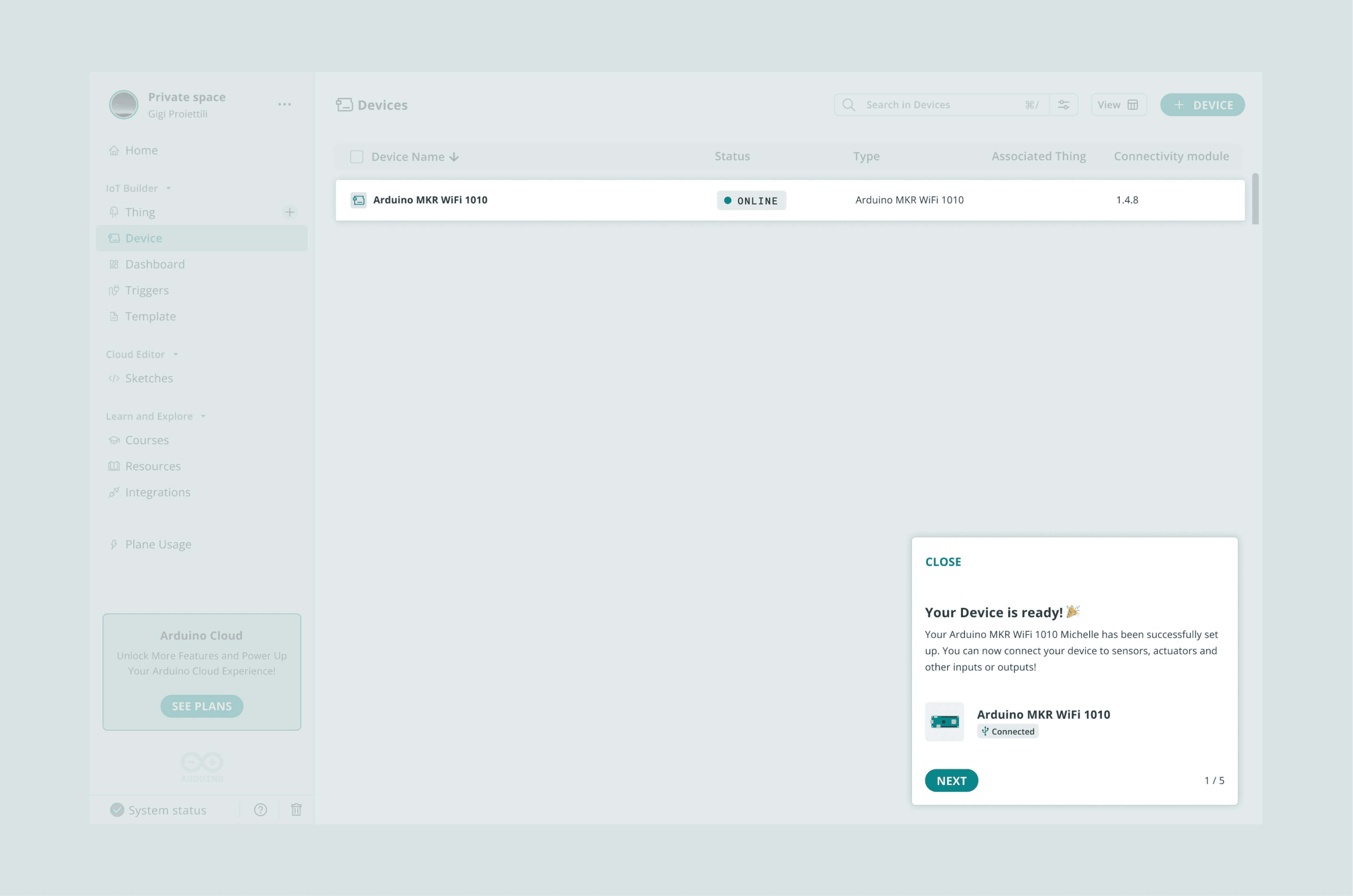
1. Connect the board
The journey starts with the hardware. I designed the flow that walks people through the physical connection and the provisioning, which configures the board to communicate securely with the Arduino Cloud without any manual setup.


2. Start from a template
Instead of starting from scratch, people open the Template Library. In this phase they browse ready-made projects and import one into their workspace, so they have a working base in a few seconds.


3. Control it from the dashboard
Here people meet a pre-configured IoT Dashboard. When they toggle a switch on screen, the board responds in real time: this is how I introduce the core idea of controlling a device remotely.

4. Change the code
Once the project works, I bring people into the Web Editor to change the sketch. They turn a simple “on/off” command into a timed blink, and gain confidence writing code and uploading it over the air (OTA).

5. Organize the Thing
The last step introduces the “Thing”, the digital twin of the board, where people organize variables, properties and cloud settings. At the end they have a working IoT system they can monitor and control from anywhere.

