- Role
- UX, UI and Motion Designer
- Year
- 2026
- Context
- Personal concept for the Starship webcast, not affiliated with SpaceX
- Photo
- SpaceX on Flickr, CC BY-NC 2.0
Brief
Redesign the live overlay of the Starship webcast, then turn it into an app where people choose what to follow during the flight.
What I did
I studied the current webcast, rebuilt the overlay as a set of small widgets and designed the app around them, on phone, desktop and Vision Pro. I also made the motion.
How it works
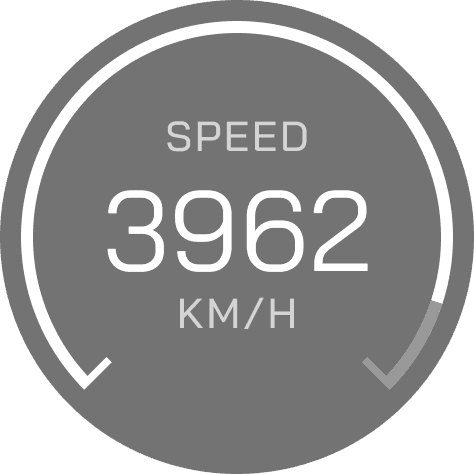
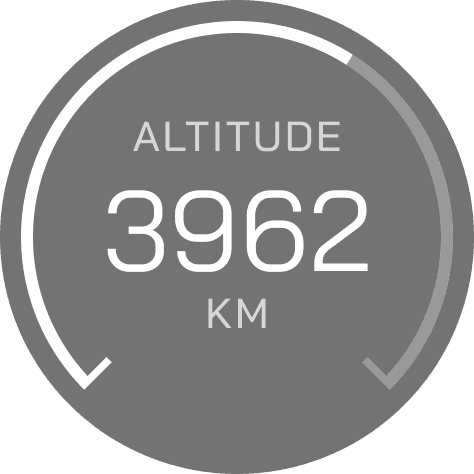
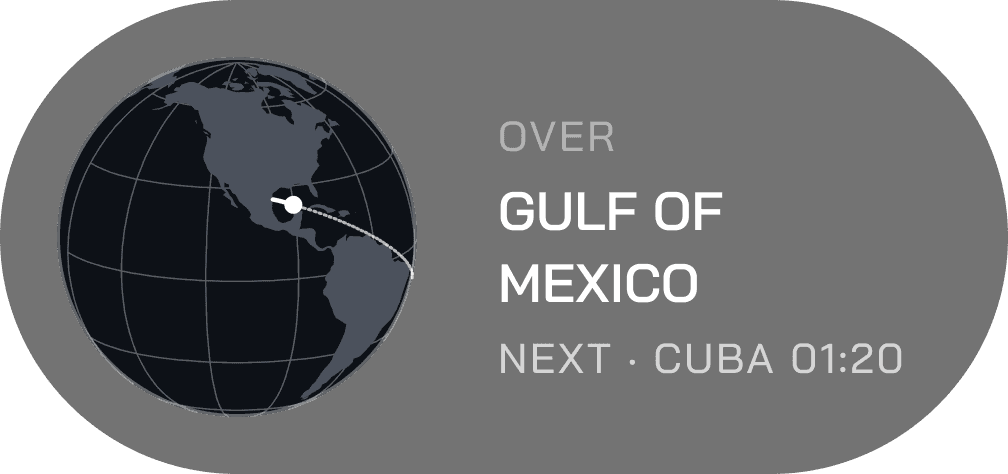
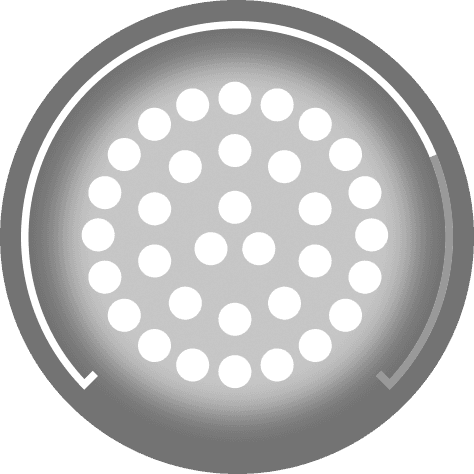
The interface has three states across six flight phases: countdown, ascent and separation. Every piece of telemetry is a widget: clock, timeline, speed, altitude, engines, Earth. Three lenses, Cinema, Fan and Engineer, pick the widgets for you. Change one and you are in Custom, which the app remembers.
Who it’s for
People who watch a launch live: those who only want the view, fans who follow every event, and engineers who want the numbers.
What I learned
During a launch nobody wants to look away from the rocket. Each widget had to say one thing at a glance, or it didn’t belong on screen.
Widgets
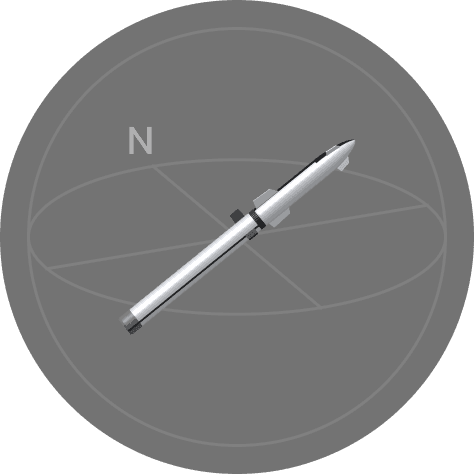
Every number in the old overlay became a widget of its own, drawn in the same language: dials for speed and altitude, the engines lit one by one, a timeline that keeps the present moment in the center. Each one works alone or next to the others.
Phone
On the phone the video stays on top and the widgets sit in a grid below it. A dial at the bottom, like the one in the camera app, switches lens. In Custom, people add the widgets they want from a list. The ones that only matter later in the flight stay grayed out until their moment.
Landscape
Turn the phone and the launch fills the screen. The lenses move inside the Widgets button, and the list opens in a drawer on the side, without covering the rocket. There is room for one widget per side: swipe to see the next.
Desktop
On a computer the widgets wait in a tray above the stream. Open it, pick one, and it takes its place on the video. A side panel keeps the full list at hand.
Vision Pro
On Vision Pro the launch wraps around you, and each widget floats next to the rocket in a glass window of its own. Try it below: look around, pick a lens, or add widgets with +.